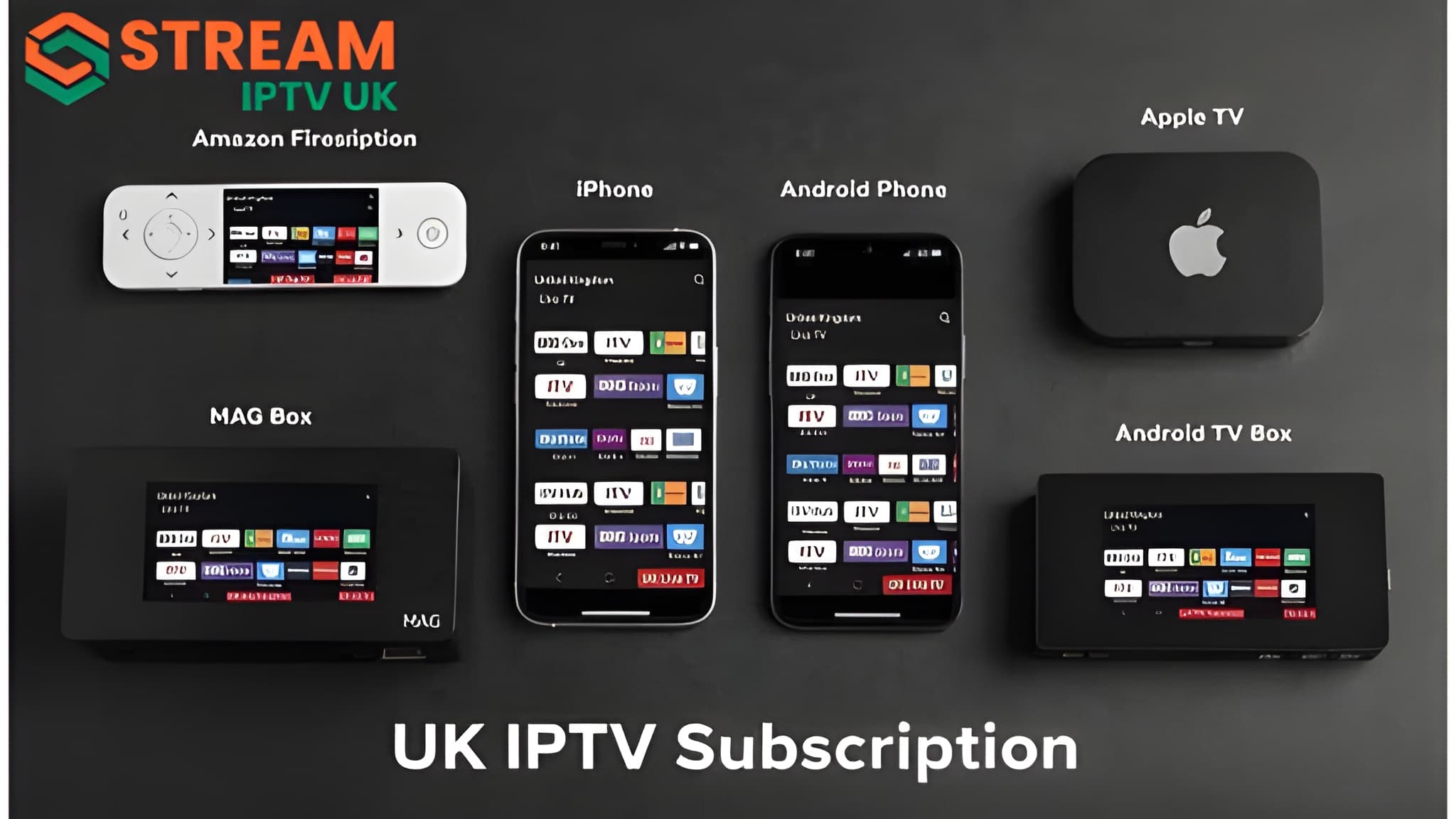
IPTVUK for iPhone and iPad: Complete Setup Guide
Watching your favourite live TV channels, movies, sports, and on-demand content has never been easier. With IPTVUK, you can stream directly on your iPhone or iPad, so you can watch your favourite entertainment wherever you have an internet connection.
Whether you're using the latest iPhone or an iPad for a larger viewing experience, setting up IPTVUK is simple with a compatible IPTV player for iOS. This guide walks you through the installation process, explains the benefits of using IPTV on Apple devices, and shares practical tips for a smooth streaming experience.
What Is IPTVUK?
IPTVUK is an IPTV service that delivers television content through an internet connection instead of traditional cable or satellite. Depending on your subscription, IPTV services may provide access to:
· Live TV channels
· Sports programming
· Movies
· TV series
· Video-on-demand (VOD)
· Catch-up TV (where available)
Instead of installing a dedicated IPTVUK app, iPhone and iPad users typically access the service through an IPTV player that supports playlist URLs or Stream-style login credentials.
For one supported player’s account setup process, read the IPTV Smarters Pro setup walkthrough.
Why Use IPTVUK on an iPhone or iPad?
Apple devices provide an excellent platform for IPTV streaming because they offer:
· Bright, high-resolution Retina displays
· Fast performance for smooth playback
· Reliable Wi-Fi and mobile data support
· Easy access to IPTV player apps through the App Store
· Portable entertainment wherever you go
· Fair-play support on compatible devices
Whether you're commuting, travelling, or relaxing at home, your iPhone or iPad lets you take your entertainment with you.
How to Set Up IPTVUK on an iPhone or iPad
Getting started only takes a few minutes.
Connect to the Internet
Ensure your device is connected to:
· A stable Wi-Fi network (recommended), or
· A reliable mobile data connection
A faster connection helps minimise buffering and improves picture quality.
If playback is unstable, use our IPTV buffering troubleshooting guide to isolate connection issues.
Install a Compatible IPTV Player
Open the App Store and install an IPTV player that supports your subscription details, such as playlist URLs (M3U) or Xtream login credentials.
Choose a player that is compatible with iOS and supports the features you need.
Open the IPTV Player
Launch the application after installation.
Most IPTV players will ask you to add a playlist or enter your account information.
Enter Your IPTVUK Subscription Details
Use the information provided with your IPTVUK subscription, which may include:
· Playlist (M3U) URL
· Username
· Password
· Server URL
Once the details are entered correctly, the player will load your available channels and content.
Features You Can Enjoy
Depending on your subscription and IPTV player, you may have access to:
Feature
Benefit
Live TV
Stream television over the internet
HD Streaming
Enjoy clear picture quality on supported content.
Video on Demand
Watch movies and TV shows when available.
Electronic Program Guide (EPG)
Browse upcoming programs
Favorites
Save frequently watched channels.
Search
Quickly find channels and content.
Feature availability varies by IPTV player and subscription.
Recommended Internet Speeds
For a better streaming experience, consider the following connection speeds:
Streaming Quality
Recommended Speed
SD
5 Mbps
HD
10 Mbps
Full HD
20 Mbps
4K
30 Mbps or higher
A strong Wi-Fi connection is generally recommended for high-quality streaming.
Tips for Better Streaming
Improve your IPTV experience by following these tips:
· Keep your iPhone or iPad updated to the latest version of iOS or iPadOS.
· Use a stable, high-speed internet connection.
· Close unused background apps before streaming.
· Restart your device if you experience playback issues.
· Keep your IPTV player updated through the App Store.
· Charge your device before long viewing sessions.
Common Setup Issues
Channels Not Loading
Check that:
· Your internet connection is active.
· Your playlist URL or login details are correct.
· Your subscription is active.
Buffering
Buffering may occur because of:
· Slow internet speeds
· Weak Wi-Fi signal
· Network congestion
· High server demand
Connecting to a faster Wi-Fi network can improve performance.
Login Errors
If you cannot sign in:
· Verify your username and password.
· Confirm the server URL.
· Copy and paste credentials to avoid typing errors.
· Contact your IPTV provider if your subscription has expired.
Is IPTVUK Compatible with All iPhones and iPads?
Most modern iPhones and iPads running the latest versions of iOS or iPadOS can run compatible IPTV player applications. Compatibility depends on:
· Device model
· Operating system version
· IPTV player requirements
· Subscription format
Keeping your device updated helps ensure the best experience.
Benefits of Watching IPTV on Apple Devices
Many users enjoy IPTV on iPhone and iPad because it offers:
· Entertainment while travelling
· Easy setup
· Smooth touch-screen navigation
· High-quality displays
· Portable viewing
· Flexible internet connectivity
These advantages make Apple devices a popular choice for IPTV streaming.
Frequently Asked Questions
Can I use IPTVUK on my iPhone?
Yes. IPTVUK can typically be accessed on an iPhone through a compatible IPTV player that supports the subscription format provided by your service.
Does IPTVUK work on iPad?
Yes. Most modern iPads support IPTV player apps that allow you to access IPTV subscriptions.
Do I need a separate IPTVUK app?
In most cases, no. Users generally install a compatible IPTV player and enter the subscription details supplied by IPTVUK.
Can I stream using mobile data?
Yes, but HD and 4K streaming can use significant amounts of data. Wi-Fi is recommended when available.
Why does my stream buffer?
Buffering may result from slow internet speeds, network congestion, weak Wi-Fi signals, or other technical factors.
Can I watch IPTVUK on multiple Apple devices?
This depends on your subscription and the number of simultaneous connections included with your plan.
Conclusion
IPTVUK provides a convenient way to stream television content on your iPhone or iPad through a compatible IPTV player. With a stable internet connection and the correct subscription details, you can enjoy live TV and on-demand entertainment from virtually anywhere. Before subscribing, confirm that your chosen IPTV player supports your subscription format and review the provider's setup instructions for the best experience.
